
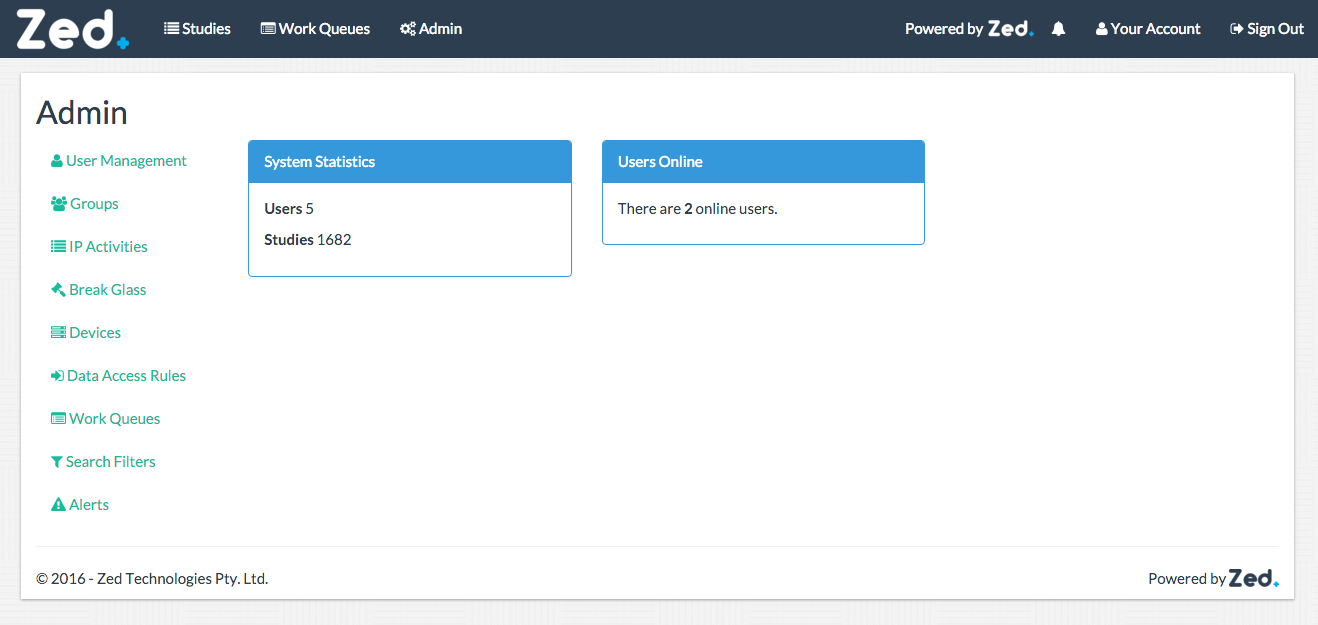
The Administration Dashboard will consist of a brief overview of the system. An example of it is shown below:
System Statistics
This Panel will show the current number of users and studies on the system.
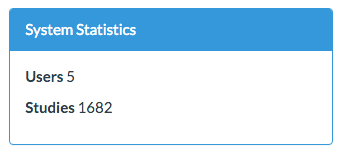
If updating of system statistics is disabled, this panel will not be shown on the Dashboard.
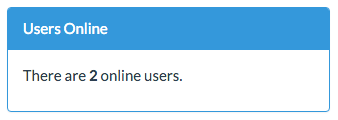
Users Online
This panel will show the current number of users logged in.
Sidebar
A full Administrator will have all of the following options available in the sidebar.
Name | Description |
User Management | This is where all user accounts are created and managed. |
Groups | All system groups and data access groups are managed here. |
IP Activities | This is where audit logs can be searched and viewed. |
Break Glass | This is where break glass request can be managed |
Device | Modality devices that Zed Link can send to are managed here. |
Data Access Rules | All data access rules are managed here. |
Work Queues | Manage work queues. |
Search Filters | Manage global search filters. |
Alerts | Manage system alerts. |